For one busy shop
Give the counter a faster sales flow and give the owner a clear view of stock, dues, and daily money.
Simple retail control for electrical shops.
Sales, stock, purchases, dues, expenses, and practical reports in one mobile-first workspace. Built for the way Bangladeshi electrical shops actually work.
Marketing and login access only — no online ordering or payment.

VERGE POS
Give the counter a faster sales flow and give the owner a clear view of stock, dues, and daily money.
Platform operators can manage more than one retail company while each company keeps its own people and business records.
Share the product list inside one company while stock, cash, sales, and invoice numbers remain branch-specific.
Find products quickly, calculate totals consistently, and print a clear invoice without rewriting the same details.
Opening stock, purchases, sales, returns, adjustments, and transfers form one traceable stock history.
Collections and supplier payments stay separate from new sales, purchases, income, and expense.
See branch balances before promising an item, then use a controlled transfer when stock must move.
Compare expected and counted Cash, bKash, Nagad, Rocket, Bank/Card, and Other balances at daily closing.
Create the company, branches, staff access, payment accounts, and the modules each company can use.
Record electrical products, units, barcodes, prices, suppliers, and verified opening quantities for each branch.
Sell, purchase, collect dues, pay suppliers, record expenses, transfer stock, close the day, and review bounded reports.
Sanitized product preview — no tenant data.
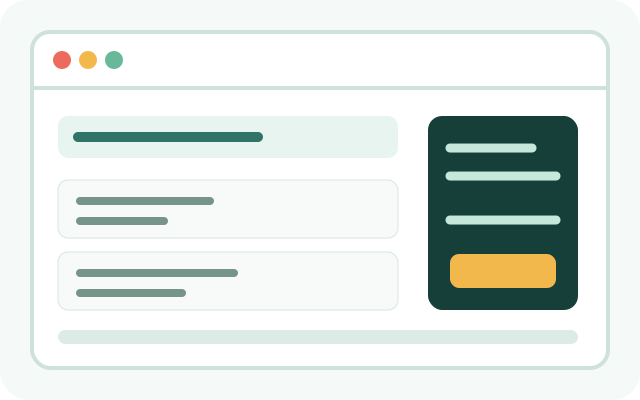
A focused sale workspace keeps product search, quantity, payment, and due information together.
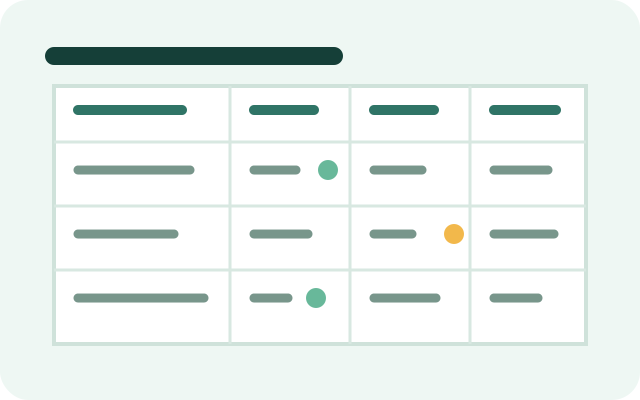
Search a product and compare available quantities without loading the full catalogue into the browser.
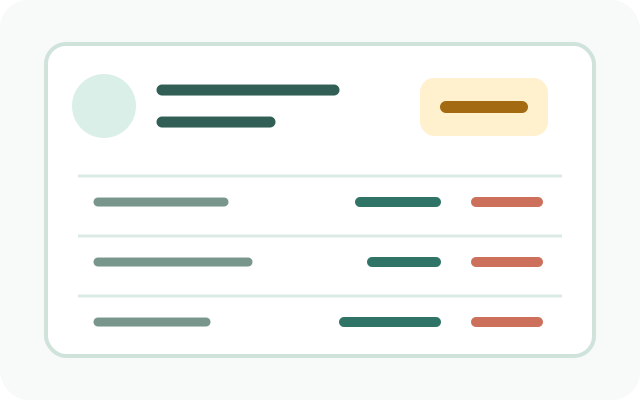
Customer and supplier ledgers show what created a balance and what reduced it.
Keep every payment method visible
Cash, bKash, Nagad, Rocket, Bank/Card, and Other are recorded against the selected branch payment account. VERGE POS records the method; this website does not collect payments.
Yes. Product masters belong to the company, while stock quantities and movements remain specific to each branch.
No. A due collection reduces the customer balance and increases the selected payment account without creating new sales revenue.
Yes. Start with the branches and users you need. Published plan limits and onboarding details are confirmed with the platform team.
Tell us how many companies, branches, and users you need. We will explain the applicable setup and published plan.